Where AI helps, and where it must stop
Clinical teams spend hours on work that is repetitive and rule-bound: reading referral letters, sorting worklists, drafting summaries, suggesting codes. AI can take some of that weight. It becomes a risk when it is allowed to finish a clinical decision that a qualified person has not actually made.
The useful question is not whether a feature uses AI. It is what the feature is allowed to do, who decides, and how that decision is recorded.
Classify every AI task by what it is allowed to do
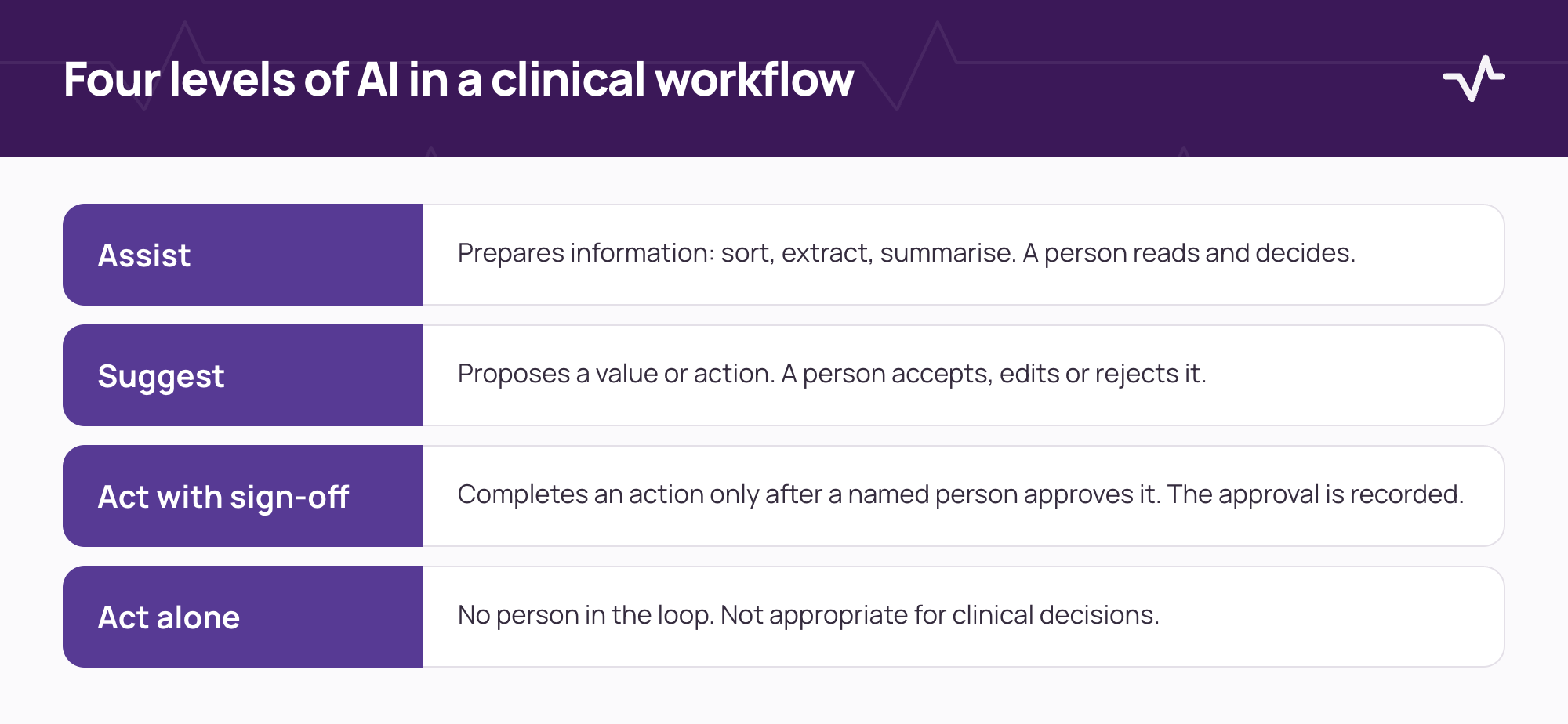
| Level | What the system does | Who decides | Example |
|---|---|---|---|
| Assist | Prepares information: sorts, extracts, summarises | The person reads and decides | Ordering a worklist so urgent items come first |
| Suggest | Proposes a specific value or action | The person accepts, edits or rejects | A suggested code or drafted note text |
| Act with sign-off | Completes an action only after approval | A named person, recorded | Releasing a report after review |
| Act alone | Completes an action with no person involved | Nobody at that moment | Not appropriate for clinical decisions |
Define sign-off in the workflow, not in a policy document
A policy that says "a clinician reviews AI output" protects nobody if the screen makes it easier to accept than to read. Design the sign-off into the workflow itself.
- Each AI task has a named role that signs off, not "the user".
- The sign-off records who approved, when, and what they were shown.
- The person sees the source data, not only the suggestion.
- Rejecting a suggestion is as quick as accepting it, and can carry a reason.
- Nothing is accepted by default, and clinical content cannot be approved in bulk.
Log what the AI saw, suggested and what the person did
- Input. A reference to the data the AI worked on.
- Version. Which model or rule set produced the output.
- Output. The suggestion exactly as it was shown.
- Decision. Accepted, edited or rejected, by whom and when.
These records let you audit a decision, review patterns of error, and answer questions from clinicians, patients and regulators with evidence rather than recollection.
Test failure before you rely on success
- Cases with no right suggestion. Check that the system can say nothing rather than guess.
- Poor or incomplete data. Use scanned, partial and inconsistent inputs, because real records look like that.
- Arabic, English and mixed text. Test each language and the mix, including names and units.
- Unavailability. Switch the AI service off and confirm that the clinical workflow still completes.
- Review over time. Sample outputs regularly to catch drift after data, models or workflows change.
Questions to ask any vendor about AI in a clinical system
- Which tasks use AI, and at which level for each?
- Who signs off, and where is the sign-off recorded?
- What data does it use, and where is it processed and hosted?
- How is it evaluated, on what data, and how often?
- What happens when it is wrong, and when it is unavailable?
- Can it be switched off by facility or by task?
- How are changes to the model validated and communicated?
- Do the same access controls and audit trail apply to AI use as to any other access to the record?
Data and privacy
Patient data used by an AI feature is still patient data. The same access rules and audit trail should apply, and the location of processing should be agreed in writing, for each deployment, before go-live. Read this alongside the integration readiness guide, because AI often depends on the same interfaces.
What a clinician should see on screen
The screen decides whether sign-off is real. A good design shows the suggestion, the source it came from and the action required, in that order. It never hides the source behind a click, and it never makes the suggestion look like a fact.
- Label. Mark AI-generated content clearly, in the same place every time.
- Source. Link each suggestion to the data it used.
- Action. Make accept, edit and reject equally easy.
- Uncertainty. Show when the system has little to go on, instead of presenting every output with the same confidence.
Roles and accountability
Name an owner for the AI feature itself, separate from the clinicians who use it. That person is accountable for evaluation, change control and incident review, and works with the clinical, privacy and IT leads. Without an owner, nobody notices when behaviour drifts.
Where this fits in a procurement
Add AI questions to your requirements list, and ask for a demonstration of failure and downtime behaviour, not only the successful path. The HIS procurement checklist shows where these questions belong.
Frequently asked questions
Should AI make clinical decisions?
No. In clinical workflows AI can prepare, sort or suggest. A qualified person decides and signs off, and the sign-off is recorded.
What should be logged when AI is used?
The input reference, the model or rule version, the output as shown, and the person's decision with time and identity.
Can AI help with result triage?
It can help order a worklist so urgent items are seen first, provided the order never hides an item and a person still reviews each result.
How do we evaluate AI features during procurement?
Ask for the task classification, the sign-off design, evaluation evidence on comparable data, and a live demonstration of failure and downtime behaviour.
Related Ventrecs pages
- Ventrecs Care Patient identity, encounters and the clinical record.
- Ventrecs Connect The governed integration hub: monitoring, retries and reconciliation.
- Security and delivery Access control, audit, hosting options and the phased delivery method.
- Solutions by provider type Medical centres, laboratories, imaging centres, pharmacy groups and hospital networks.
Planning a deployment?
Evaluating AI in a clinical system? Tell us about your workflows and we can map where a person must stay in the decision.
More insights
- Healthcare integration readiness before go-live before go-live Most delays in a healthcare deployment come from interfaces nobody scoped. Use this guide to agree each connection, its owner and how it is tested before go-live.
- Hospital information system RFP checklist: how to evaluate HIS, EMR, LIS, RIS and pharmacy requirements A good RFP asks for evidence, not features. Use this checklist to define scope, requirements, demonstrations and scoring before you issue it.
- Moving a laboratory to a new LIS without stopping the bench A laboratory cannot pause for a cut-over. A phased plan, parallel running and reconciliation keep results flowing while the system changes.